This week for my inquiry project I started by choosing a song and beginning the editing process. I chose St. What’s-Her-Name by Lois because I felt that it worked with my clips well. The lyrics, particularly the line “the story of my life,” resonated with the theme of my video.
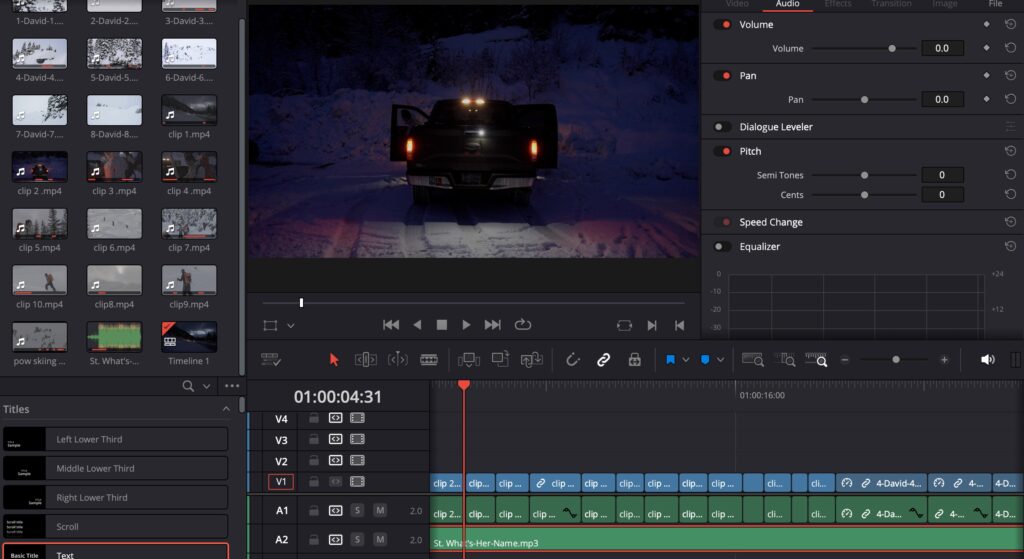
To add the song to DaVinci Resolve, I used this website to convert the YouTube video into an MP3 file. After downloading the file, I imported it into the media section of DaVinci Resolve and added it to my timeline.
Editing Process
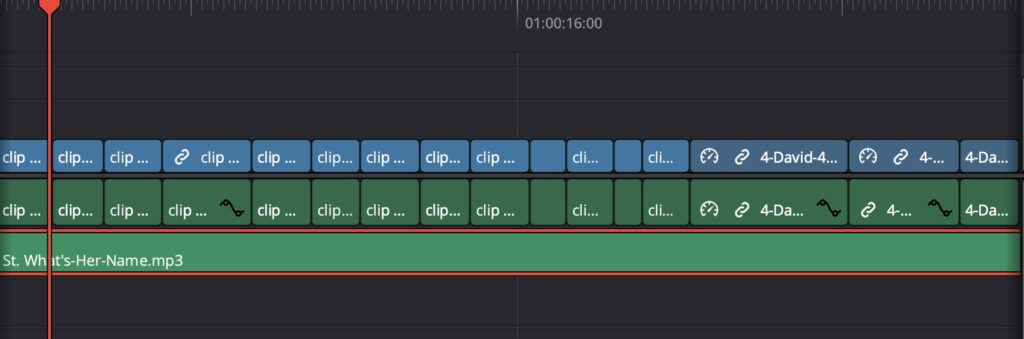
Once the song was added, I began cutting and splicing the clips, carefully syncing them to the beat and lyrics. I dedicated a significant amount of time to this process, ensuring that the visuals matched the mood of the song. So far, I’m really happy with how the edit is shaping up. It has taken me several hours, but the effort has been worth it.
Next Steps
I am now in the final stages of editing. My next steps include making a few final touches, adjusting the colour grading to mellow out the LUTs, and adding a text overlay at the start of the video that says “The Story of My Life.” I feel this title is fitting since the video itself tells my personal story and aligns perfectly with the song.
I’m excited to complete the final edits and see the finished product! Looking forward to sharing it soon.